


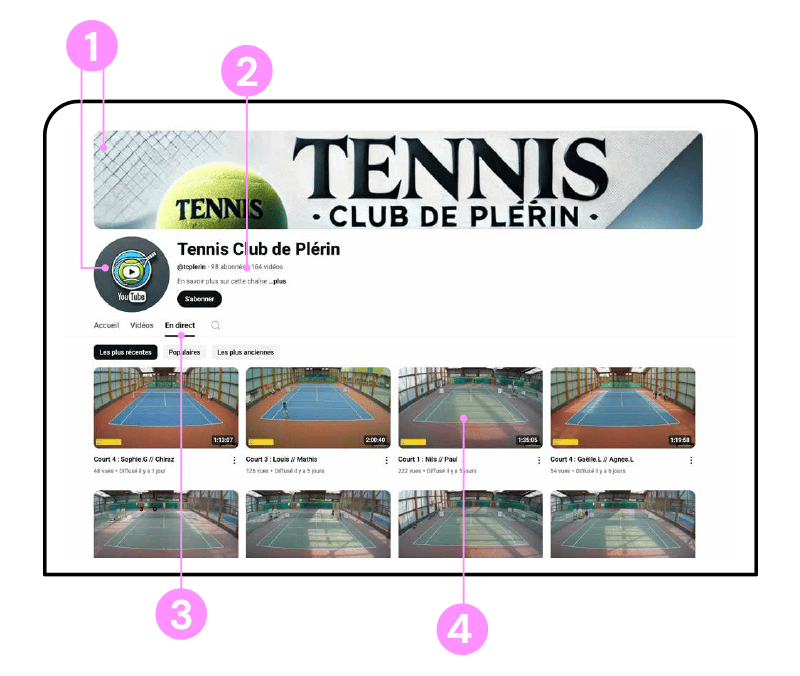
Your club’s YouTube channel
Here are the key advantages of your club’s YouTube channel:


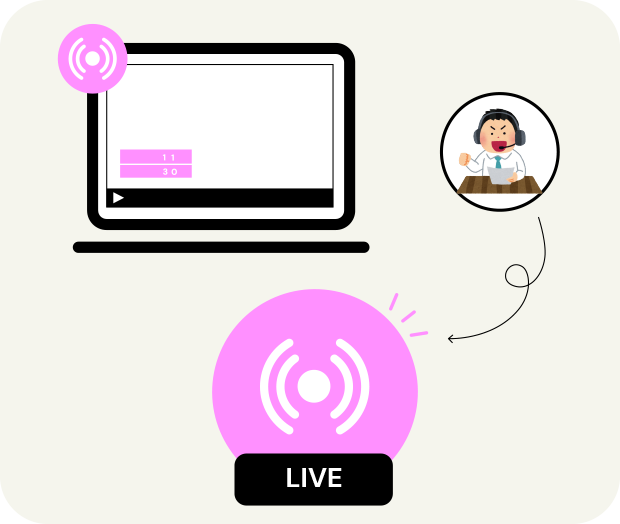
Do you comment on your matches live?
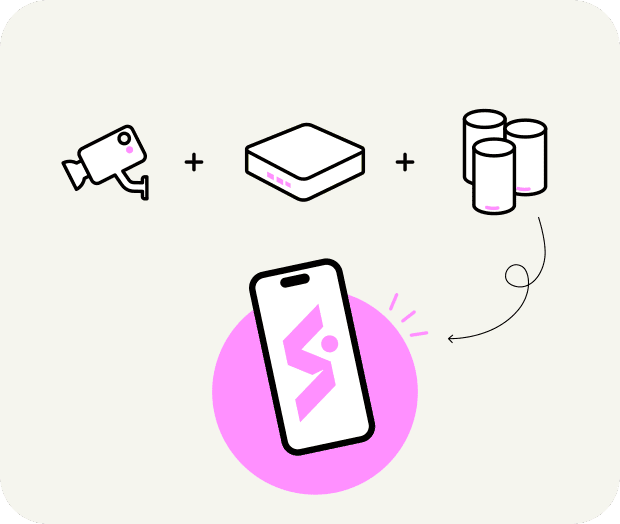
It’s super simple!
A system that works with
« And at the heart of the system: the SYS app! »
Streaming can be started either…
By the club
who logs into the SYS app via smartphone or PC and starts streaming from the selected camera(s) in the club’s camera list.
By the player(s)
who has previously created an account on the SYS app.
They can then – at any time – scan the QR code of the court they’re about to play on to start streaming from the corresponding camera (and only that one, thanks to secure activation detecting the player at a precise spot on the court).

How to watch
the streaming?


Live
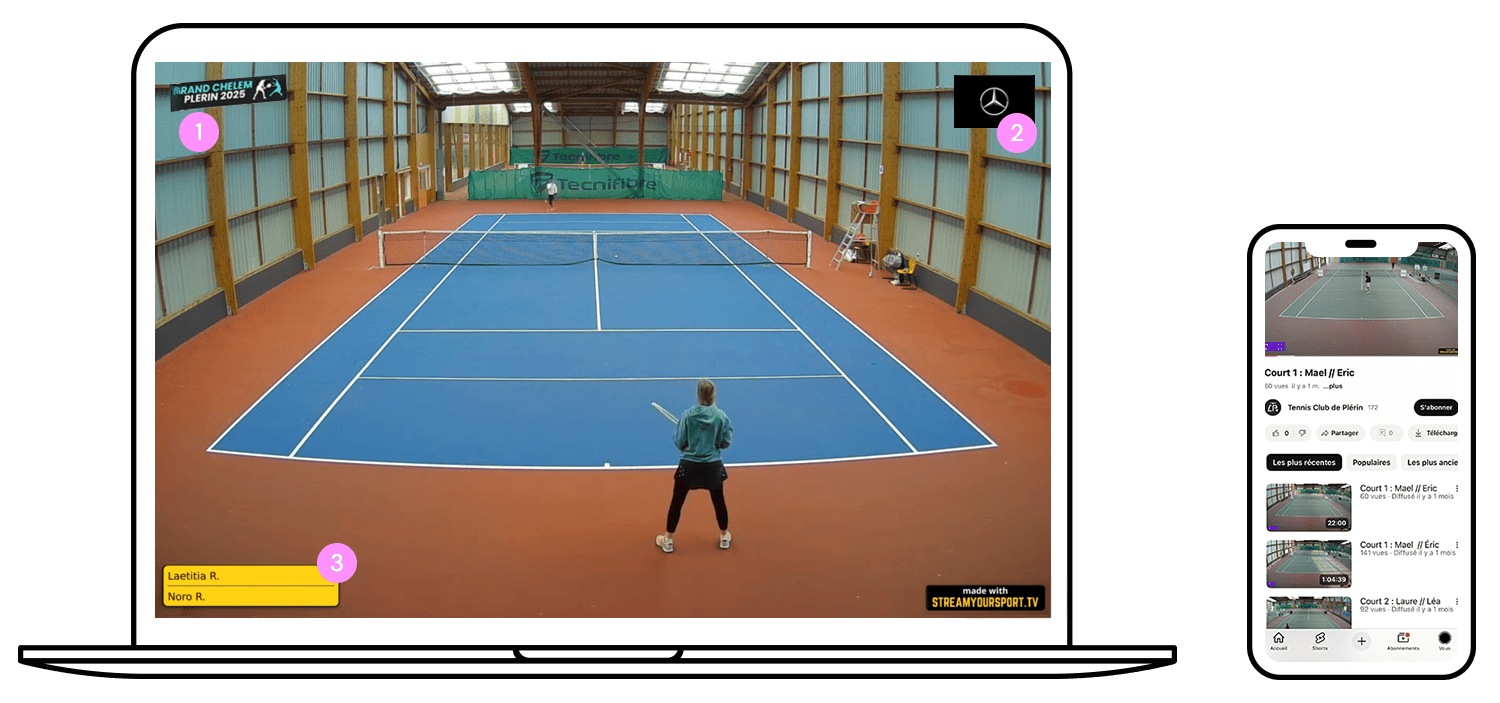
Anyone can watch a match streamed by your club, wherever they are!
By connecting via a smartphone, tablet, PC or smart TV.
On your Club’s YouTube channel.
- Either via YouTube or Twitch search with your club’s name
- Or via a link shared by a player or spectator on-site, by scanning the channel’s QR code
On replay
Same connection options as for live.
All recorded sessions are stored in the replay section of your YouTube or Twitch channel, easy to find as they’re sorted by date + player names if provided.
Just click the desired session and start watching!
Share your sporting events on the biggest streaming platforms!
A click away
from being
Information
Contact
©2026 – Stream Your Sport – All rights reserved